¶ Filament Breakage Alert
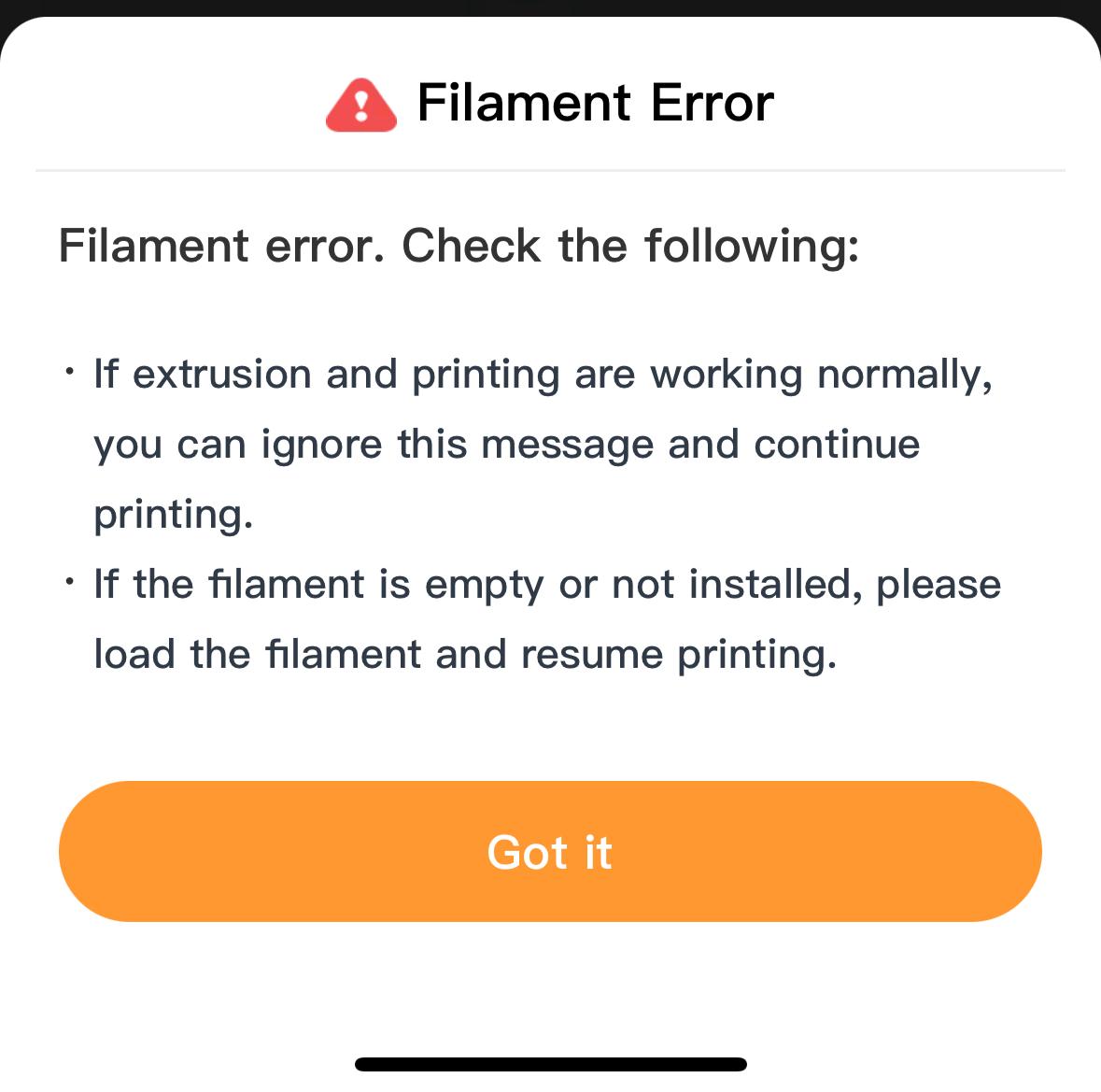
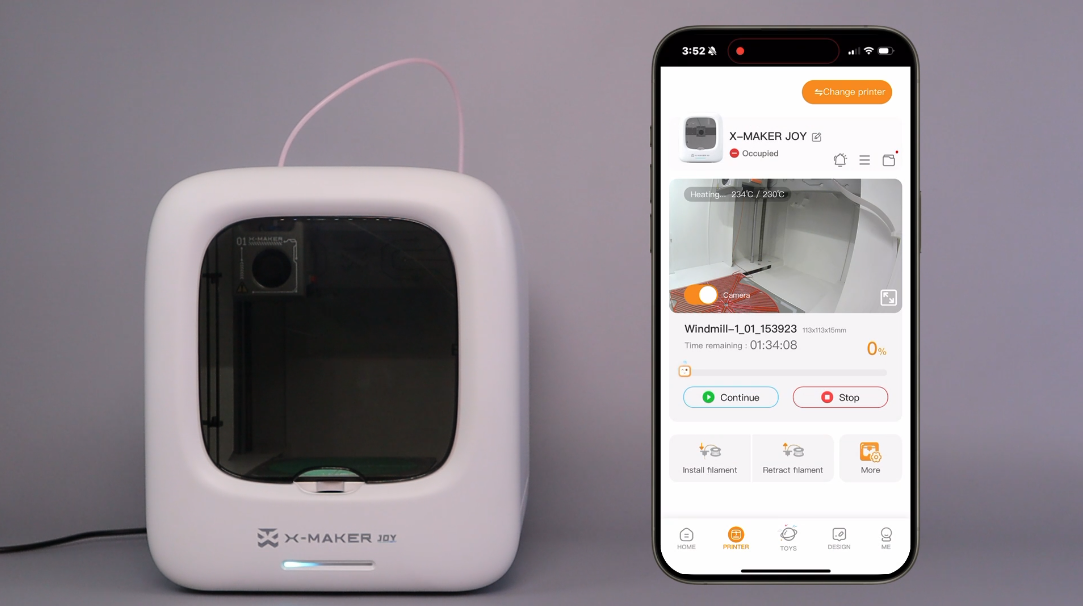
When the app notifies you of a filament break, follow these steps:
|
 |
 |
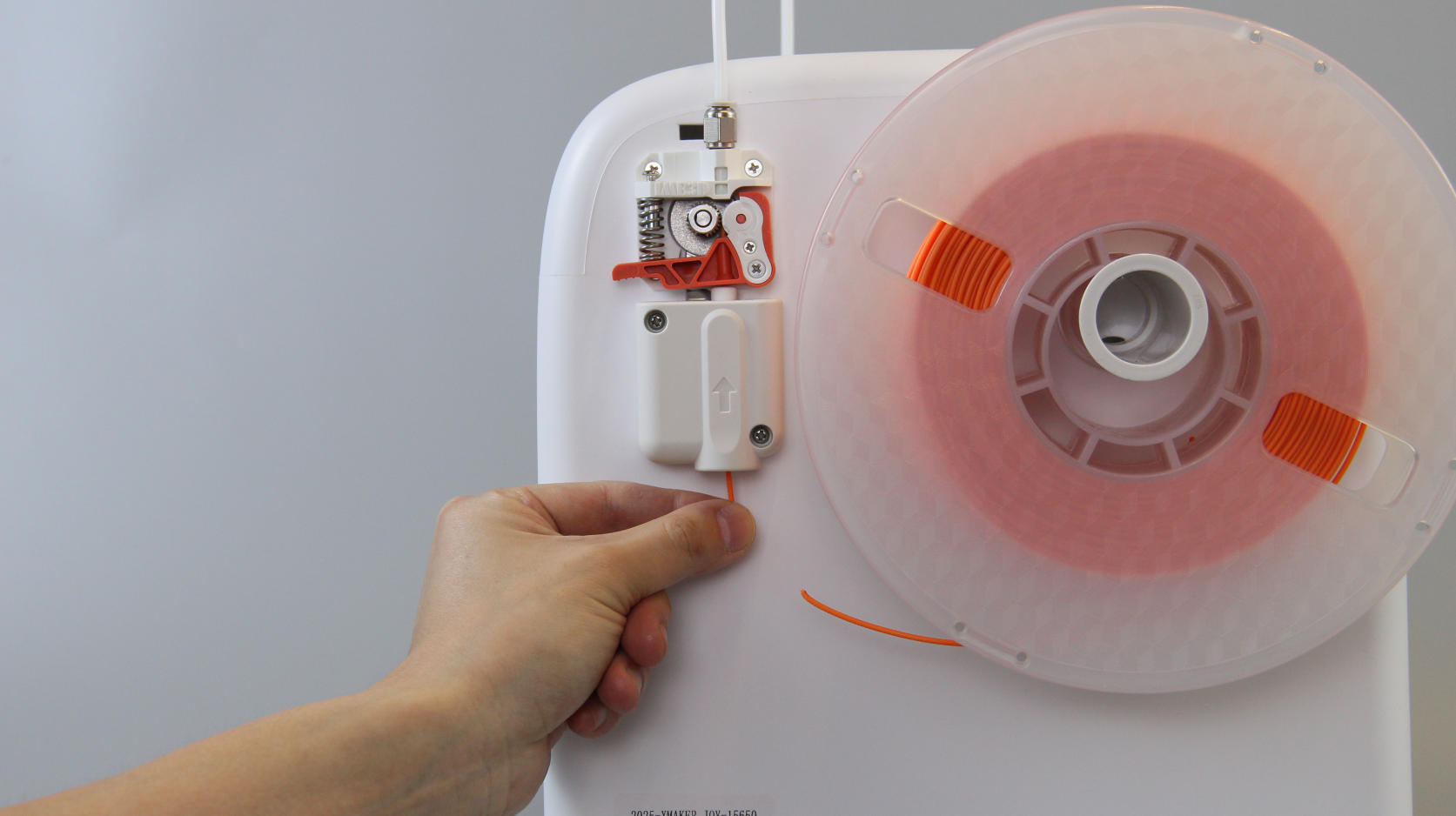 |
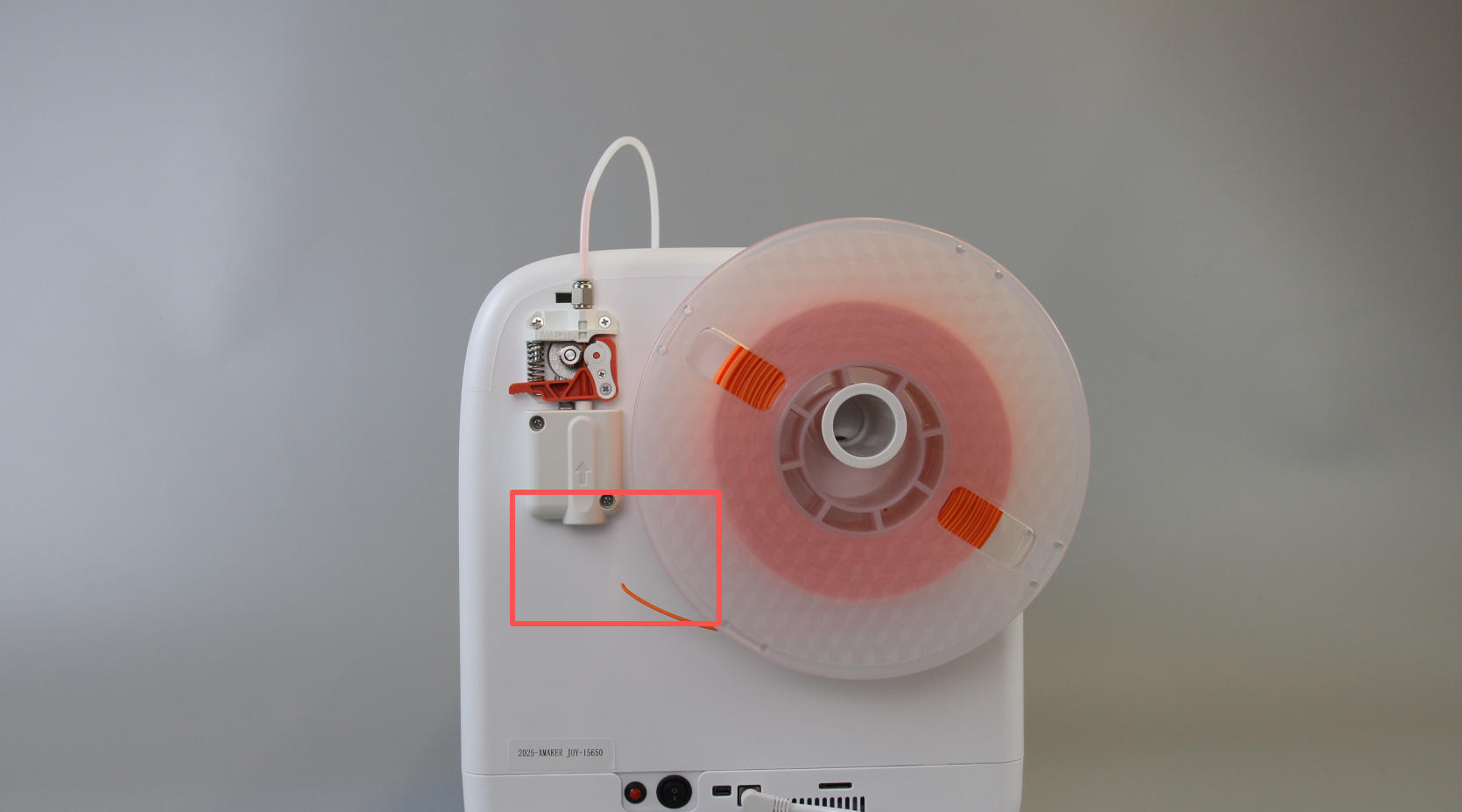
| 1. The app notifies you of a filament break. | 2. Check for a break in the filament at the back of the machine. | 3. In the app, tap Retract Filament and gently pull the filament from the feed port. |
 |
 |
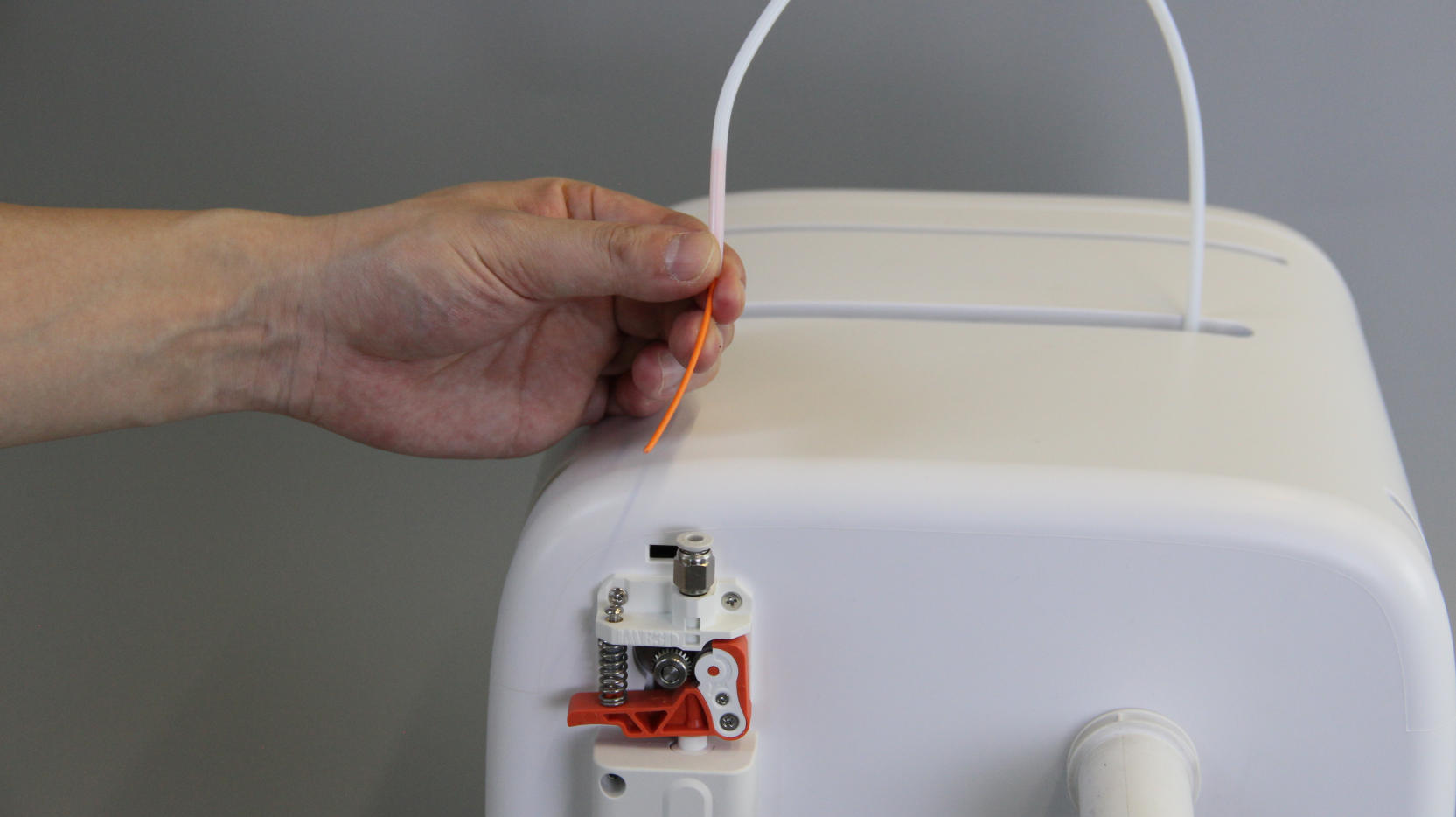 |
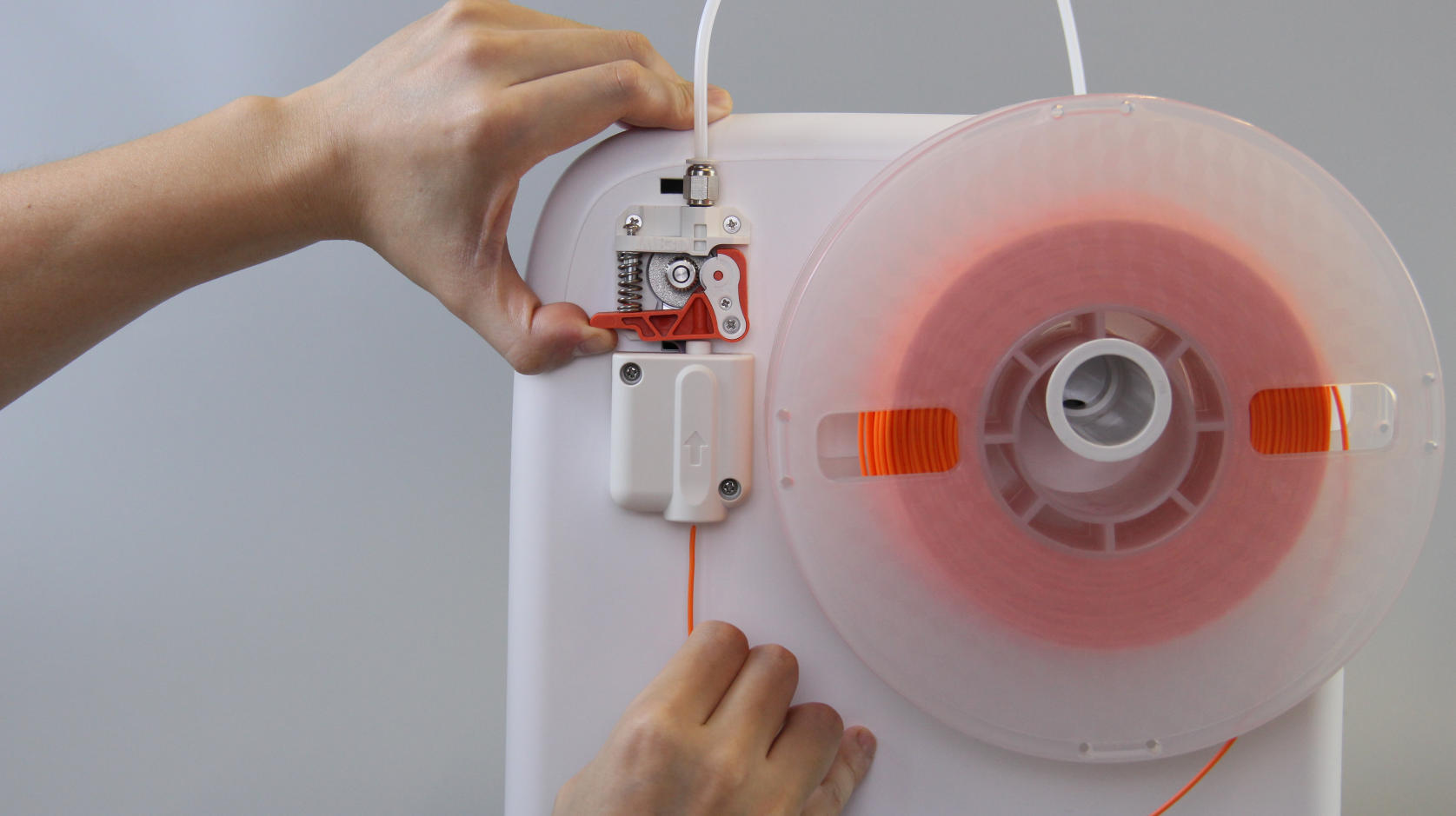
| 4. Reload the filament and perform a filament feed. | 5. Tap Continue in the app. |
6. If the filament cannot be retracted using the app: Detach the tube and preheat the nozzle. Pull the broken filament out from the tube's end. Reattach the tube, reload the filament, and feed the filament again. |
¶ Filament Tangle Alert
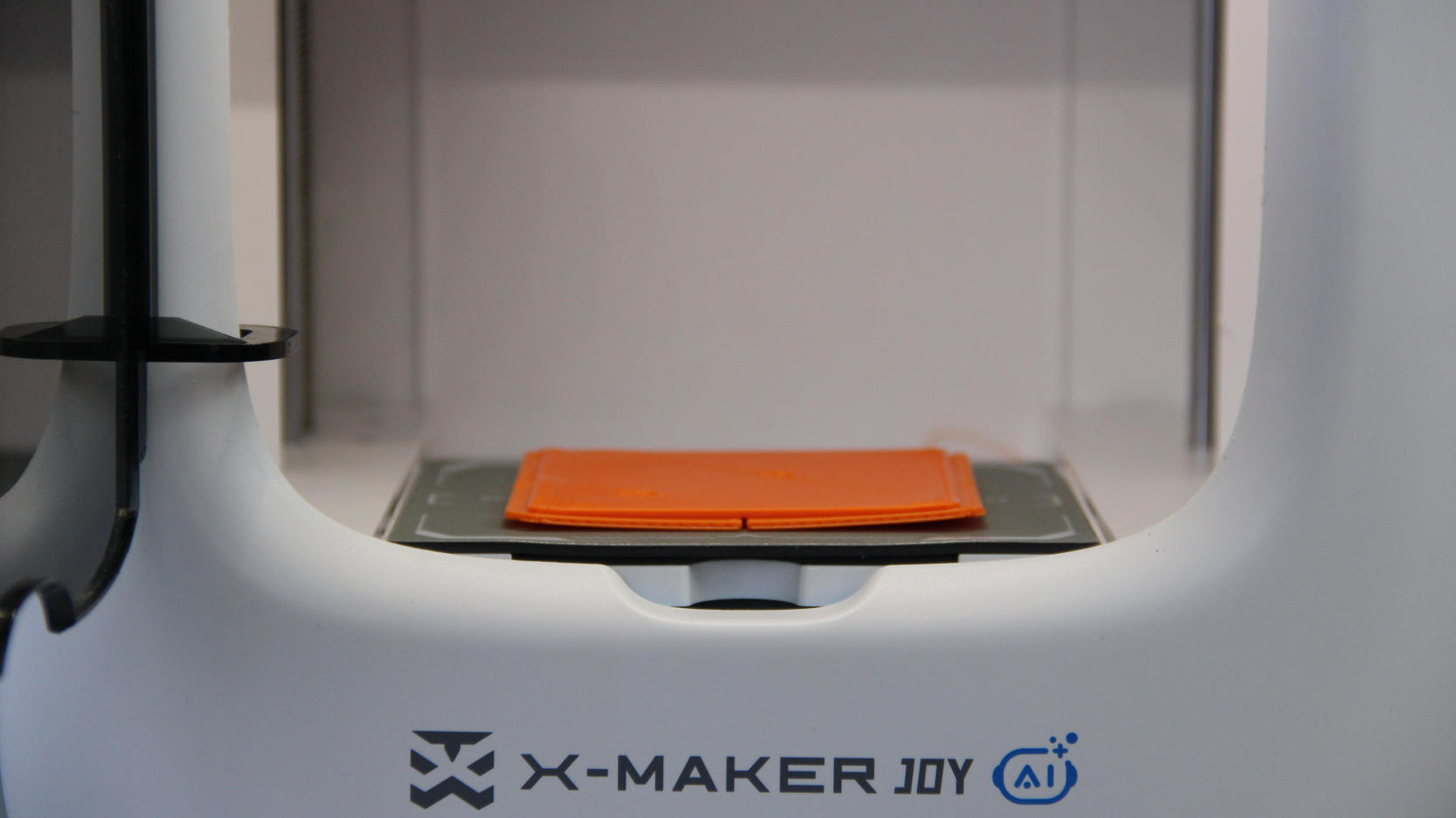
This alert may indicate one or more of the following: filament tangling, model warping, or nozzle clogging.
Follow this order to troubleshoot:
|
|
 |
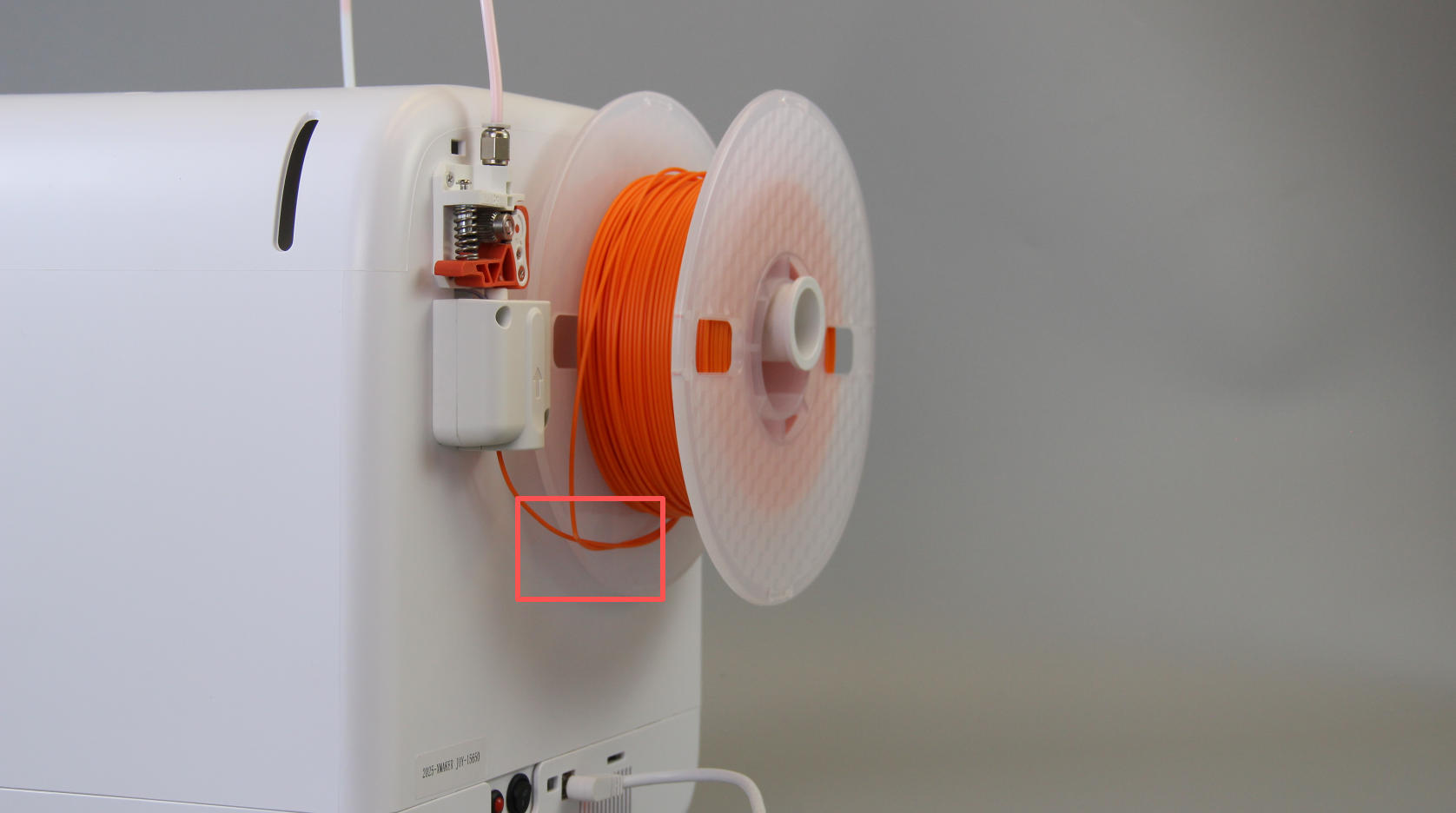 |
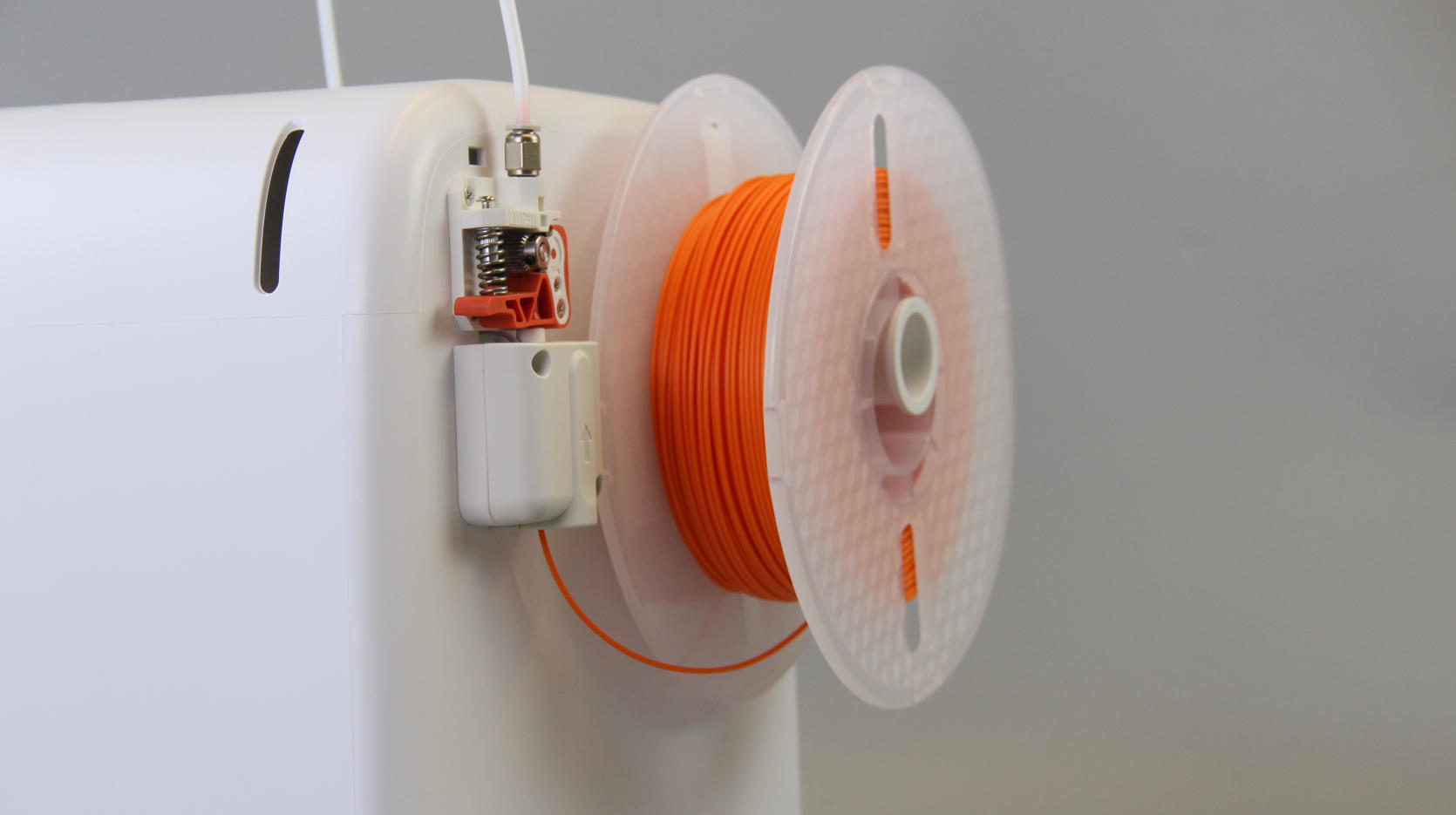
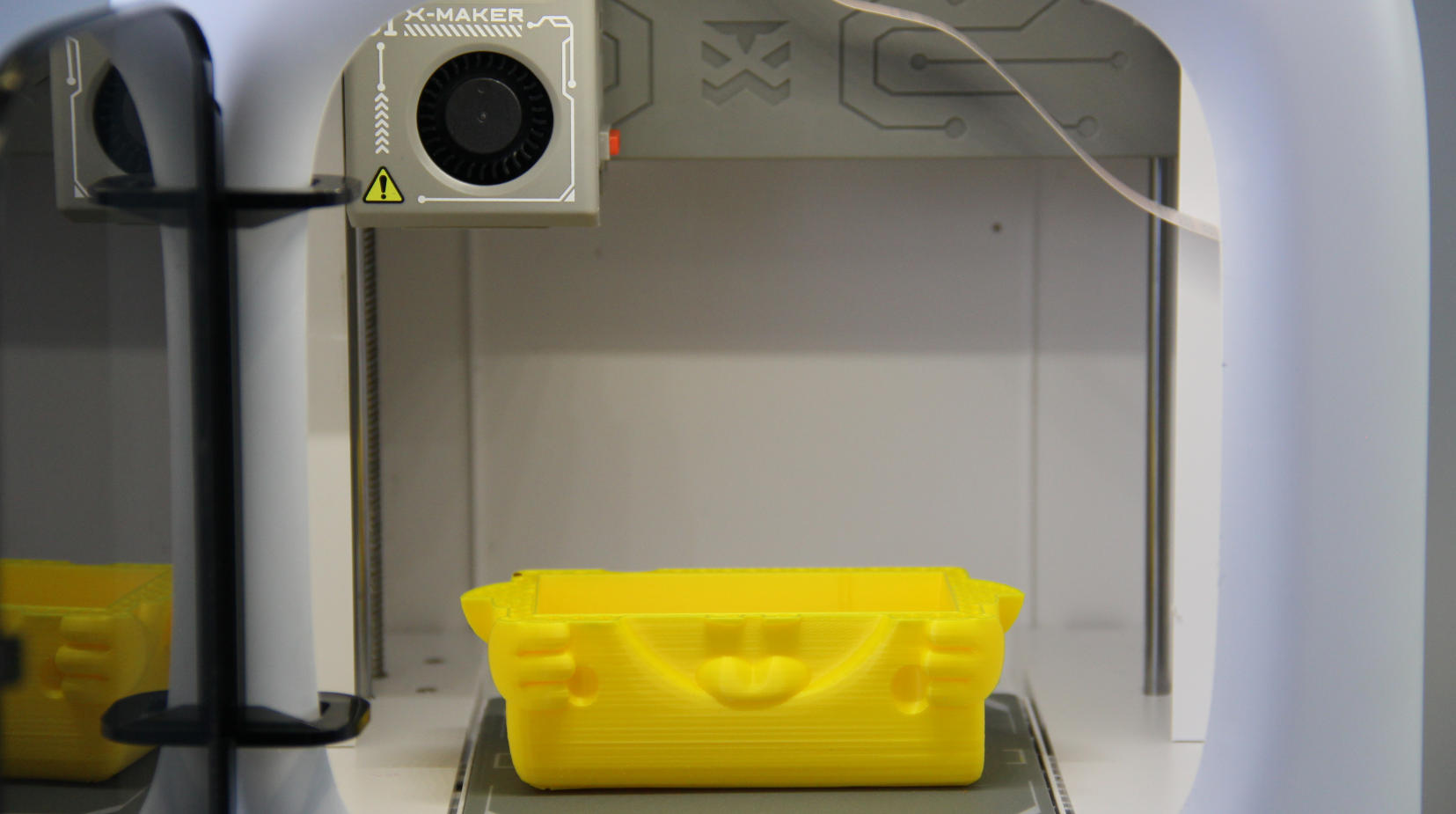
| 1. The app notifies you of a filament error. | 2. Check for warping: If the print is lifting or distorted, level the build plate using the leveling function. | 3. Check for tangling: If the filament is tangled on the spool, retract it. |
 |
 |
|
| 4. And reload after straightening. | 5. Check for clogging: Use the material feed function to confirm filament extrusion. If clogged, follow the nozzle-unclogging procedure. | 6. Once all issues are resolved, tap Continue. |
¶ Turn Off Alerts
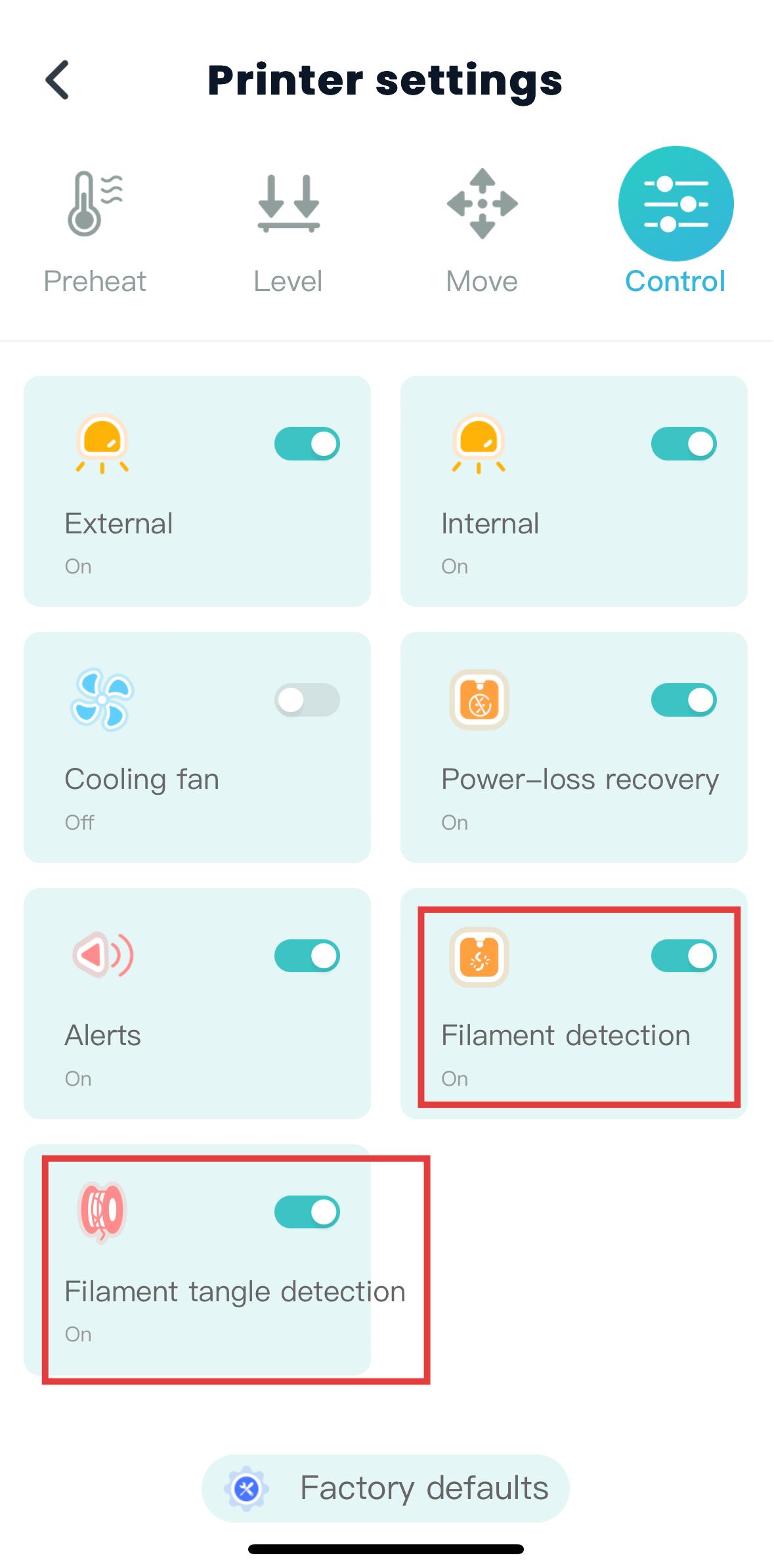
If you’d prefer not to use filament breakage or tangle alerts, you can disable them in the app printer settings.
Still Need Help? Contact AOSEED customer support via service@aoseed.com.