If the filament is not replaced in time before it runs out, it will remain in the filament tube, affecting further printing. Follow these steps to unclog the filament tube. For specific methods, please refer to this video (X-MAKER JOY).
¶ Filament is stuck in the extruder
 |
.png) |
.jpg) |
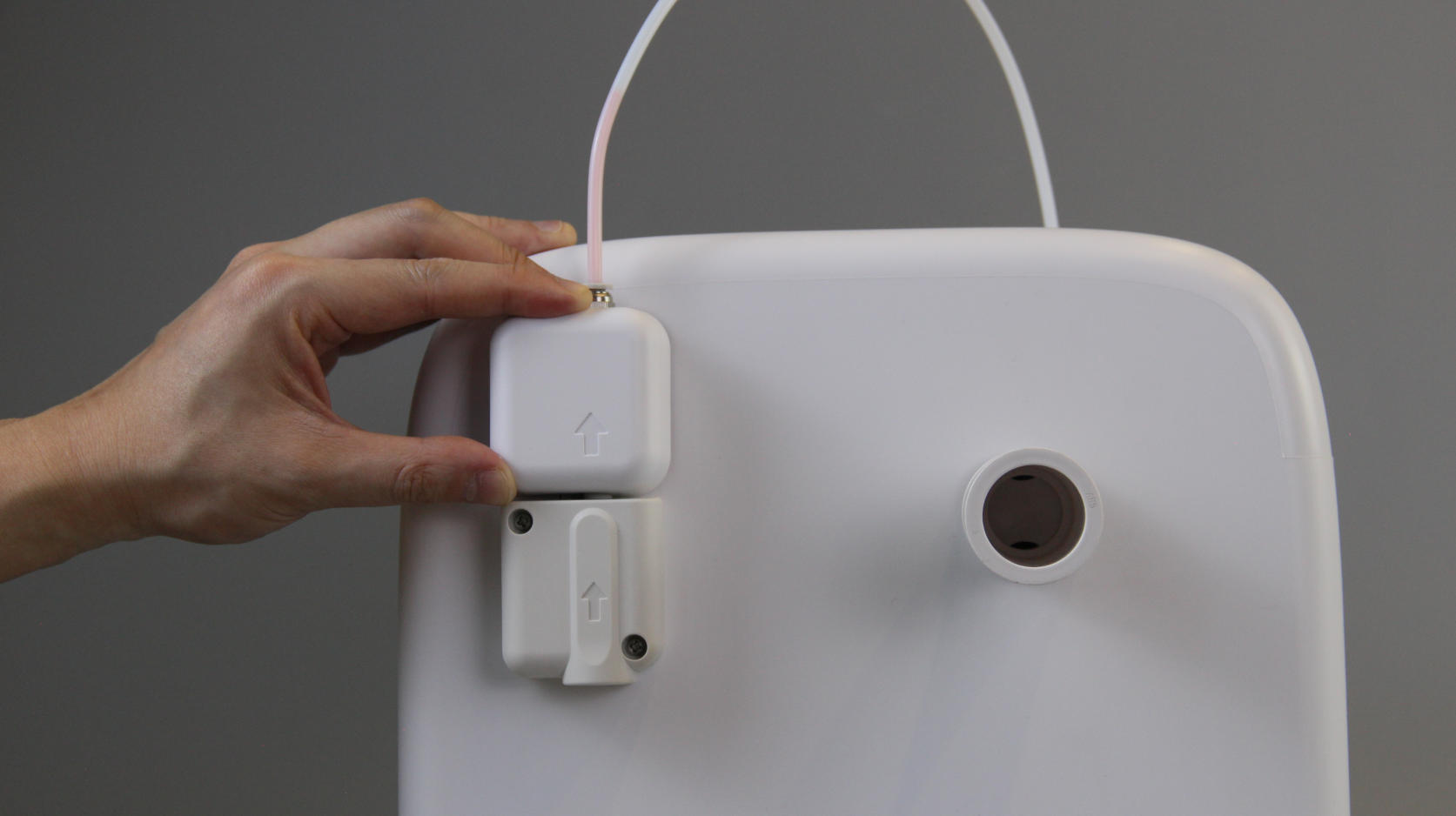
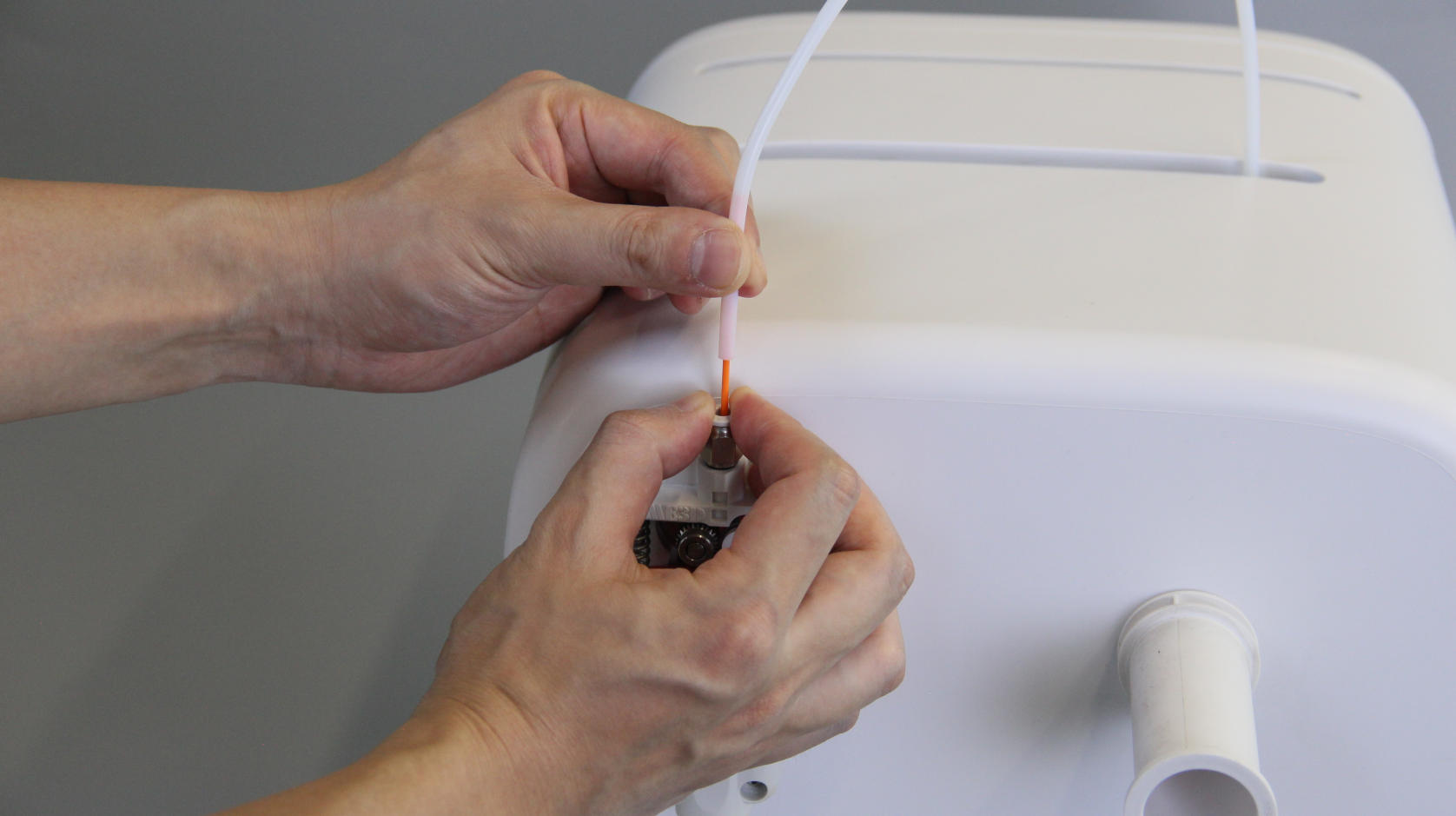
| 1. Switch off the printer. Remove the filament spool and the extruder cover. | 2. Press on the extruder's pneumatic fitting and press the spring ring all the way down with one hand. | 3. Grasp the tube with the other hand. |
 |
 |
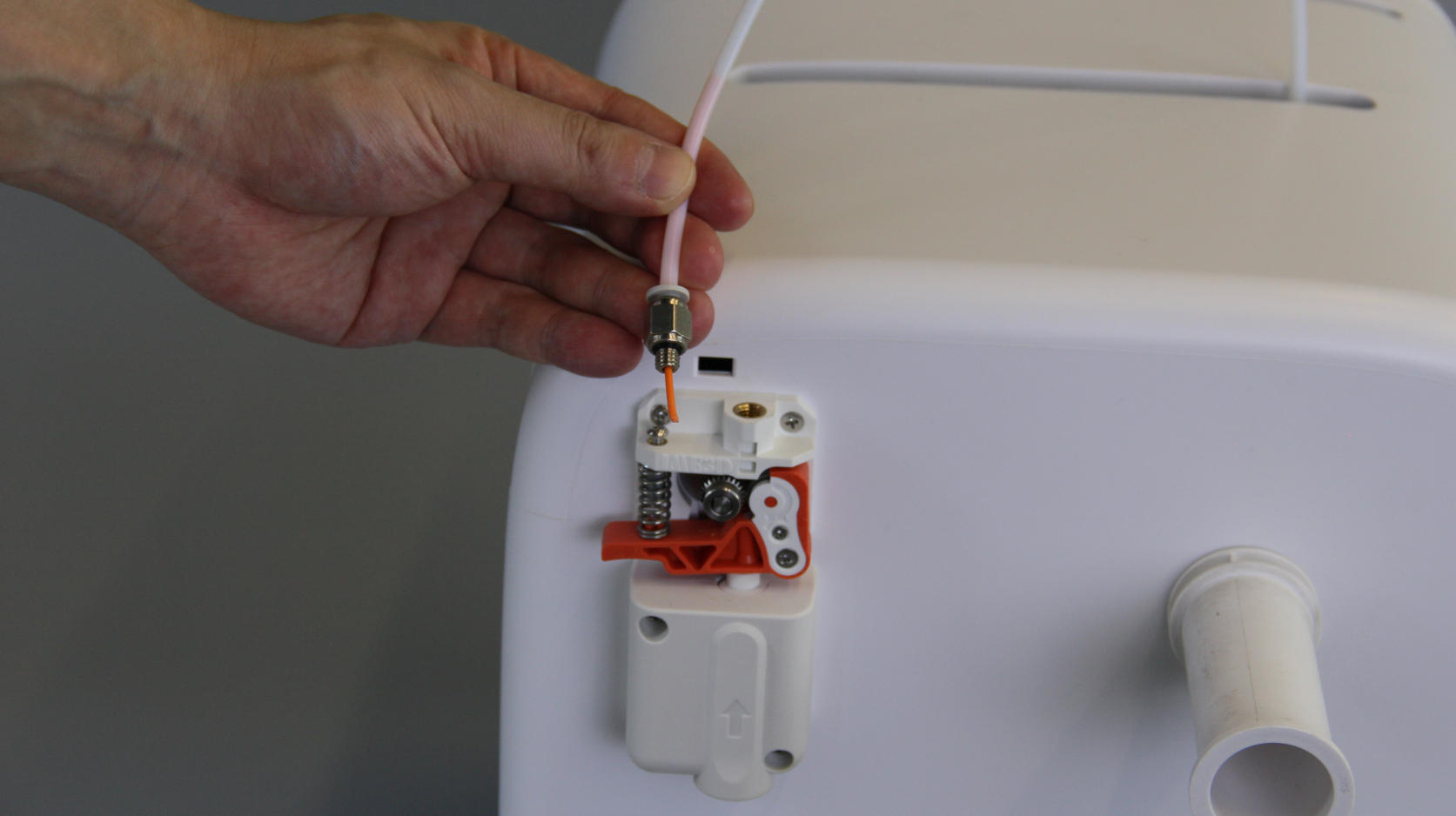 |
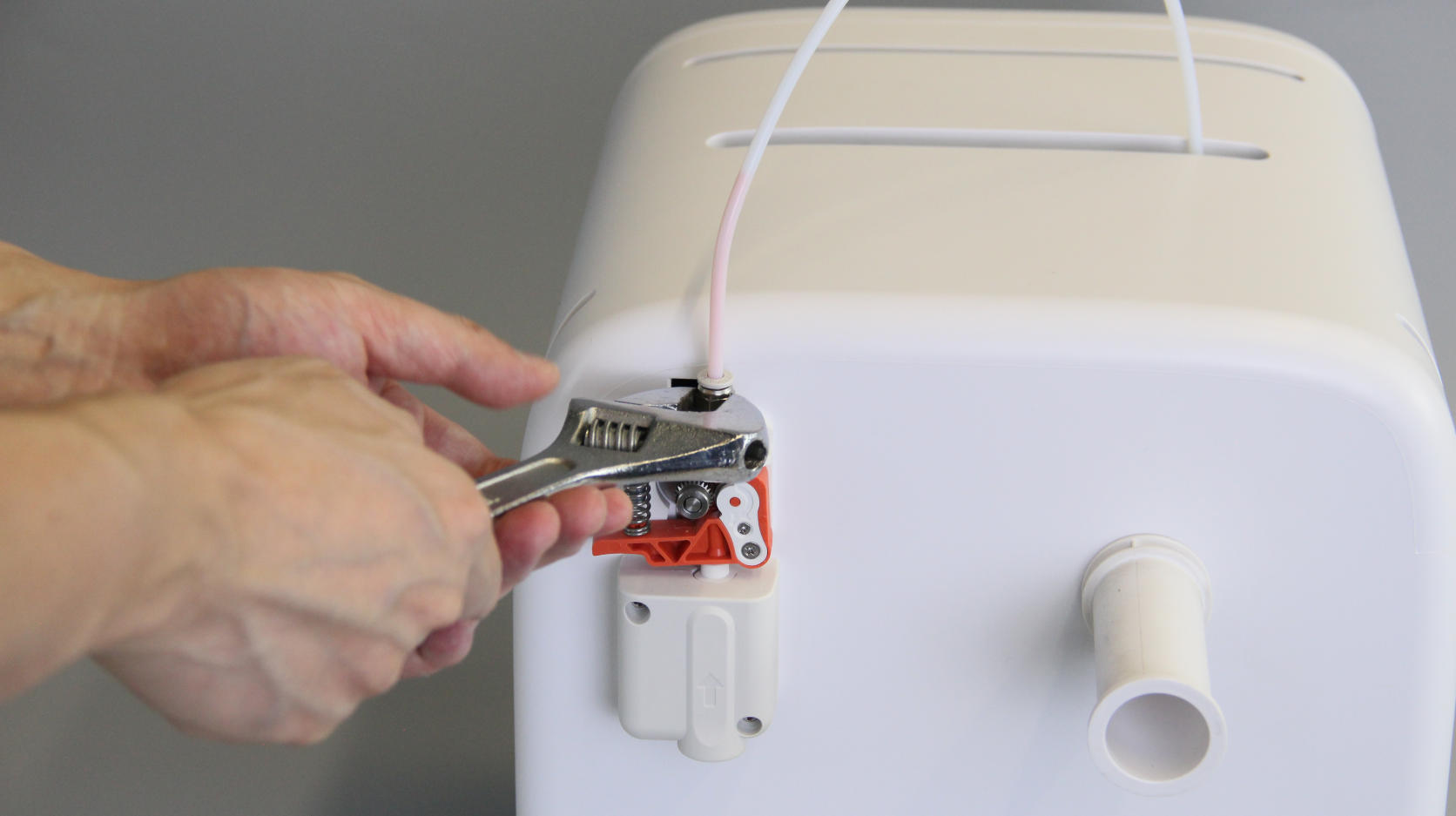
| 4. Firmly pull the tube out of the fitting, and you will see the filament protruding from the tube. | 5. If it’s difficult to pull out the tube, use an adjustable wrench to remove the pneumatic fitting counterclockwise to loosen it, then unwind it by hand until you can pull it out. | 6. The filament can also be seen protruding from the fitting. |
 |
 |
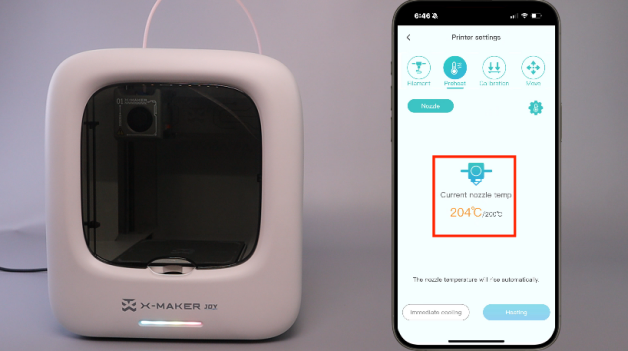 |
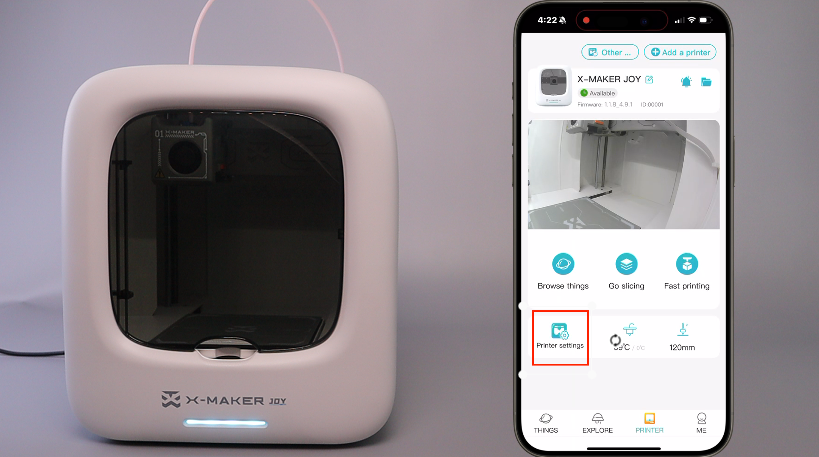
| 7. Turn on the printer and connect it to your phone. Go to PRINTER-Printer settings. | 8. Tap Preheat to preheat the nozzle. | 9. Wait until the nozzle temperature reaches 200 °C. |
 |
 |
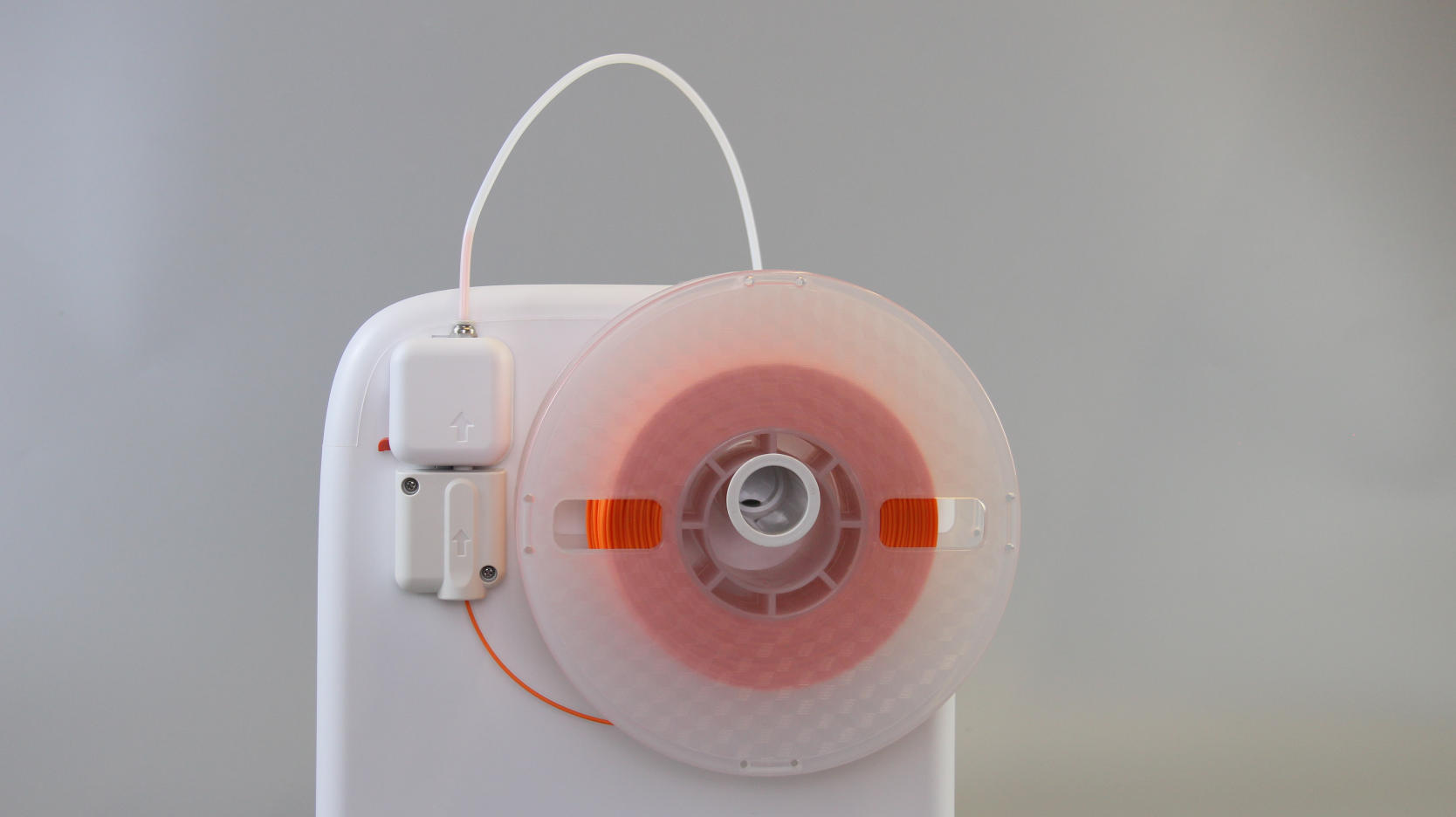 |
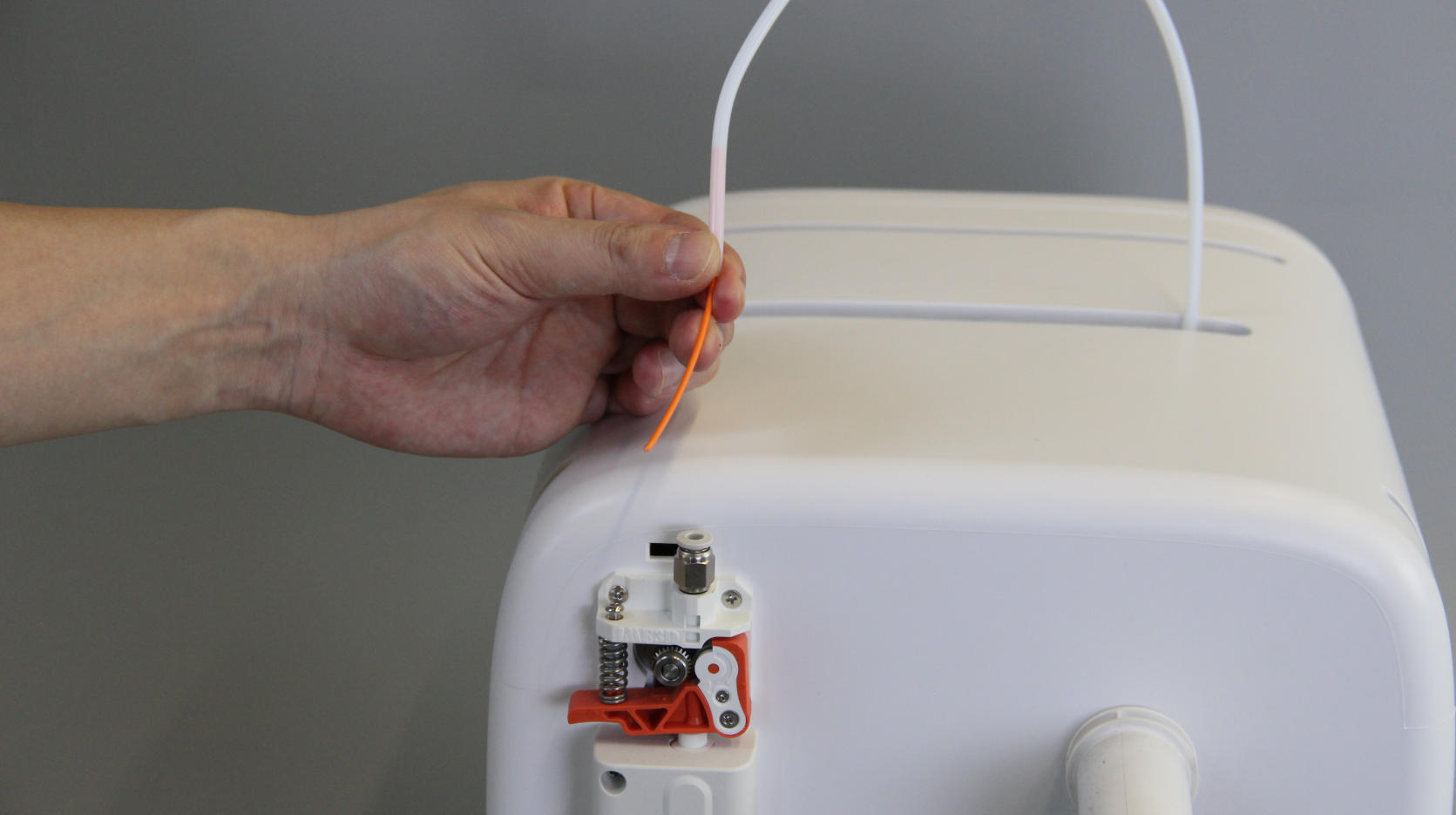
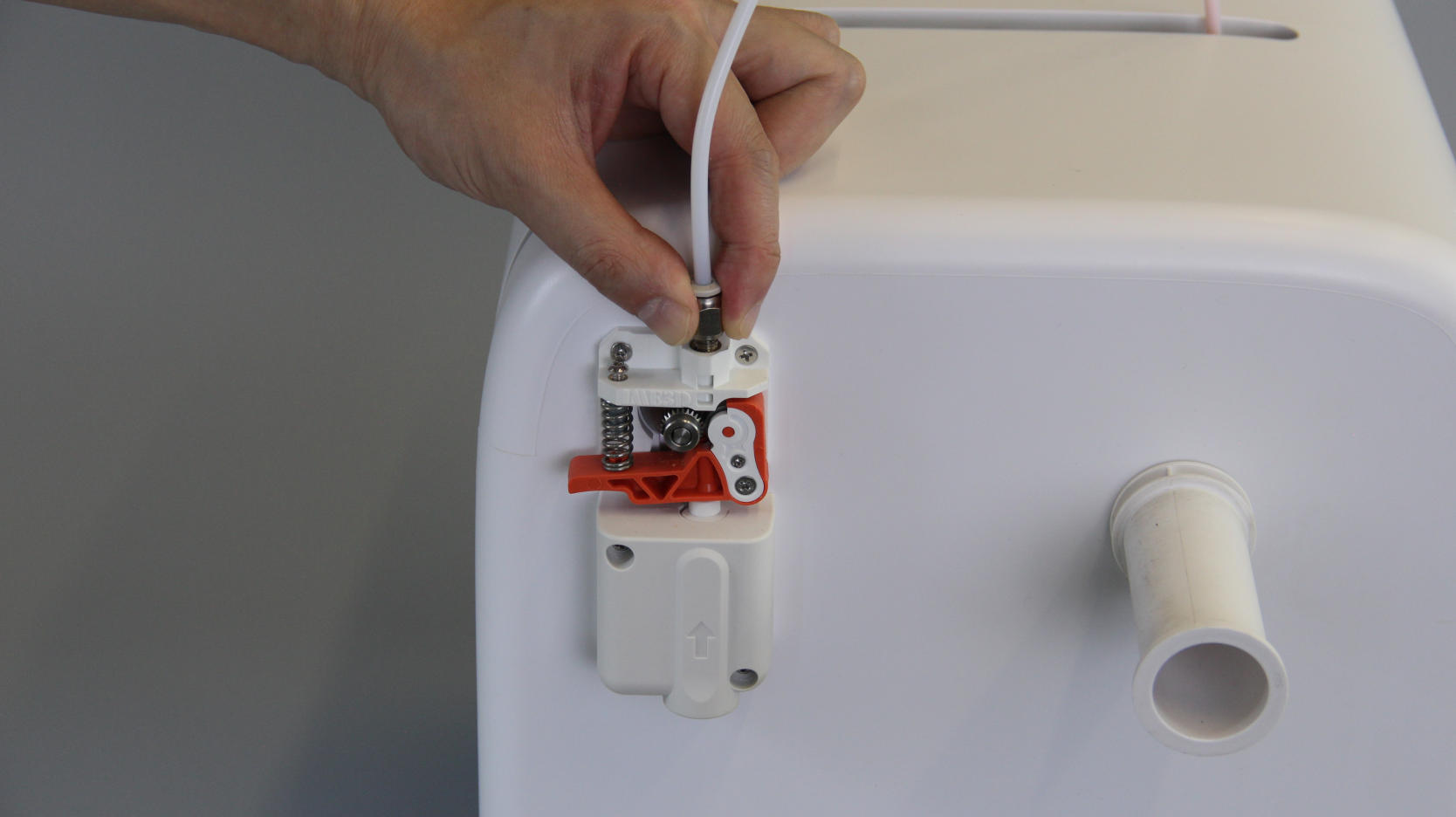
| 10. Pull the filament outward. | 11. Reinstall the tube and pneumatic fitting. | 12. The tube is unclogged, and filament can be reloaded for printing. |
¶ Filament is stuck in the PTFE tube
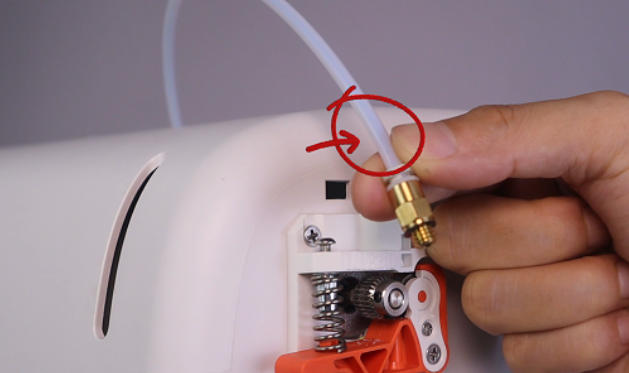 |
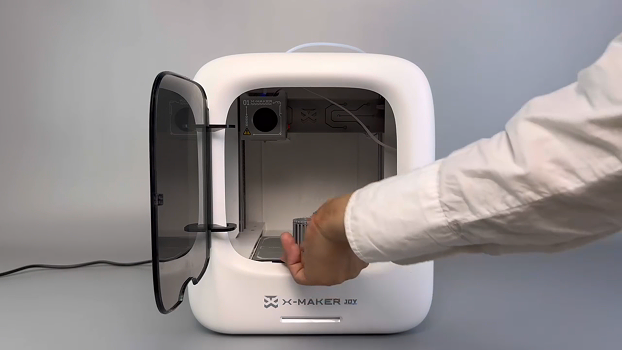 |
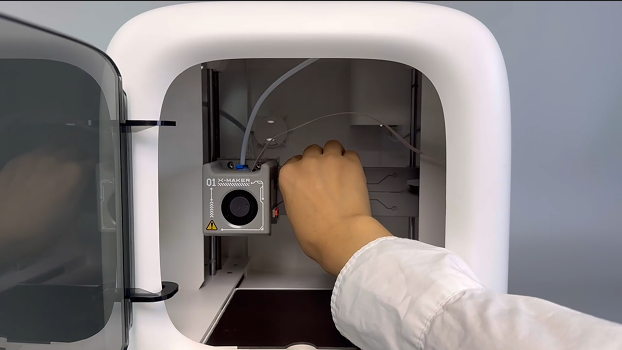 |
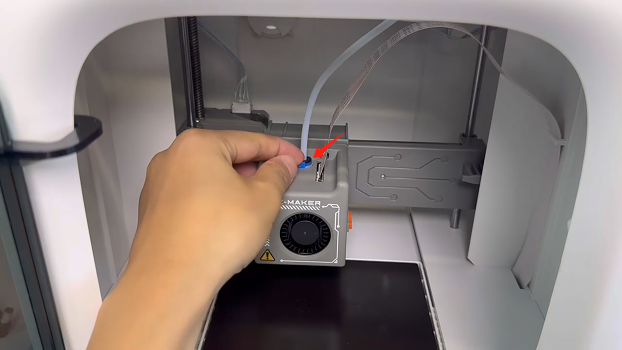
| 1. If, after unscrewing the pneumatic fitting, you find the filament stuck inside the PTFE tube: | 2. Power off the printer. If there’s a print on the plate, remove it together with the base plate. | 3. Move the print head to a lower position for easier access. |
 |
 |
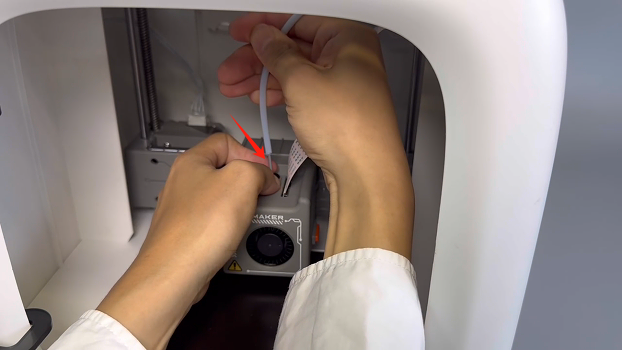 |
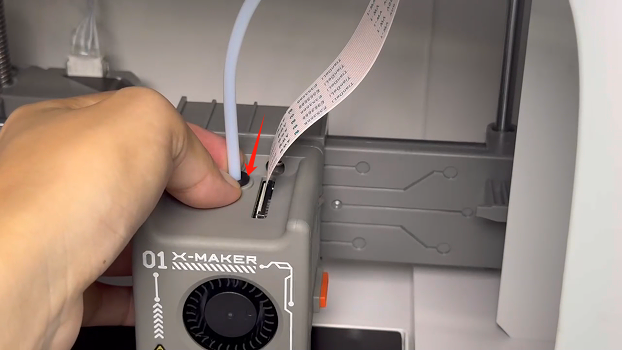
| 4. Remove the blue clip from the print head and set it aside properly. | 5. Press the black collet (or claw) with one hand. | 6. And pull the tube out with your other hand. |
|
|
|
|
| 7. Turn the printer back on and connect it to the app. Go to Printer Settings. | 8. Tap Preheat to heat the nozzle. | 9. Wait for the nozzle to reach 200°C. |
 |
 |
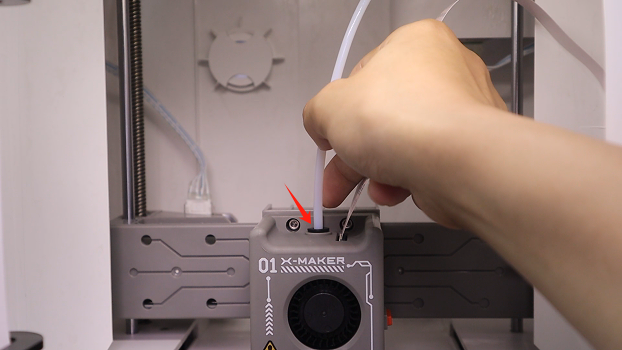 |
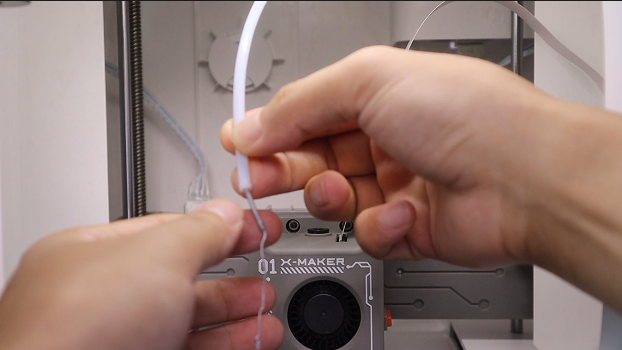
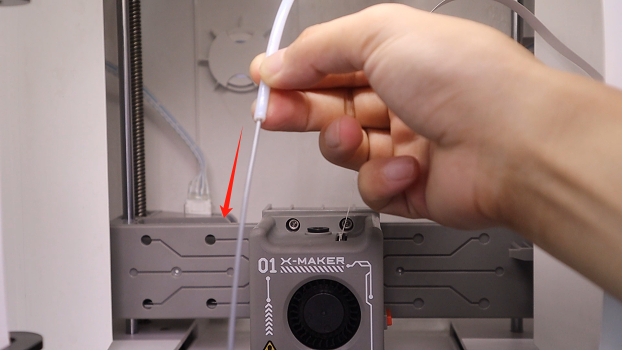
| 10. Once the nozzle reaches 200°C, gently pull the filament out from the hotend. | 11. Gently pull the filament out from the tube。 | 12. Reinsert the tube into the print head and press the black collet to secure it in place. |
 |
 |
|
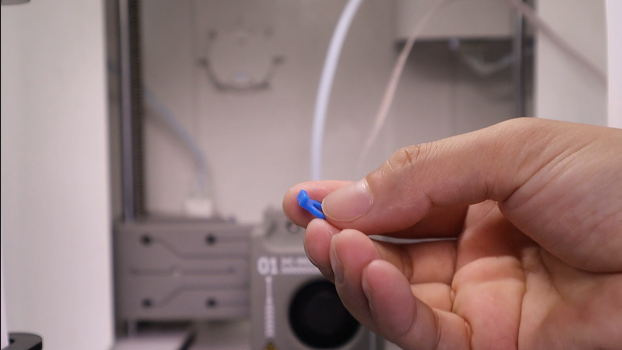
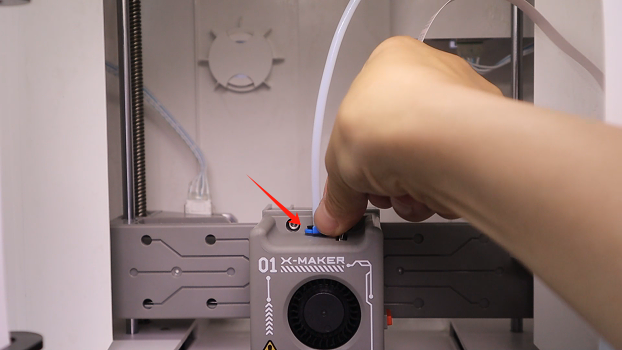
| 13. Take out the blue clip, and reconnect the other end of the tube to the pneumatic fitting. | 14. Replace the blue clip. | 15. And reconnect the other end of the tube to the pneumatic fitting. You can now reload the filament and resume printing. |
Still Need Help? Contact AOSEED customer support via service@aoseed.com.