The XMAKER app's default print temperature is tailored for AOSEED filament and requires no additional adjustment. If using third-party supplies, due to material differences, adjust the temperature may be necessary to ensure optimal printing results.
 |
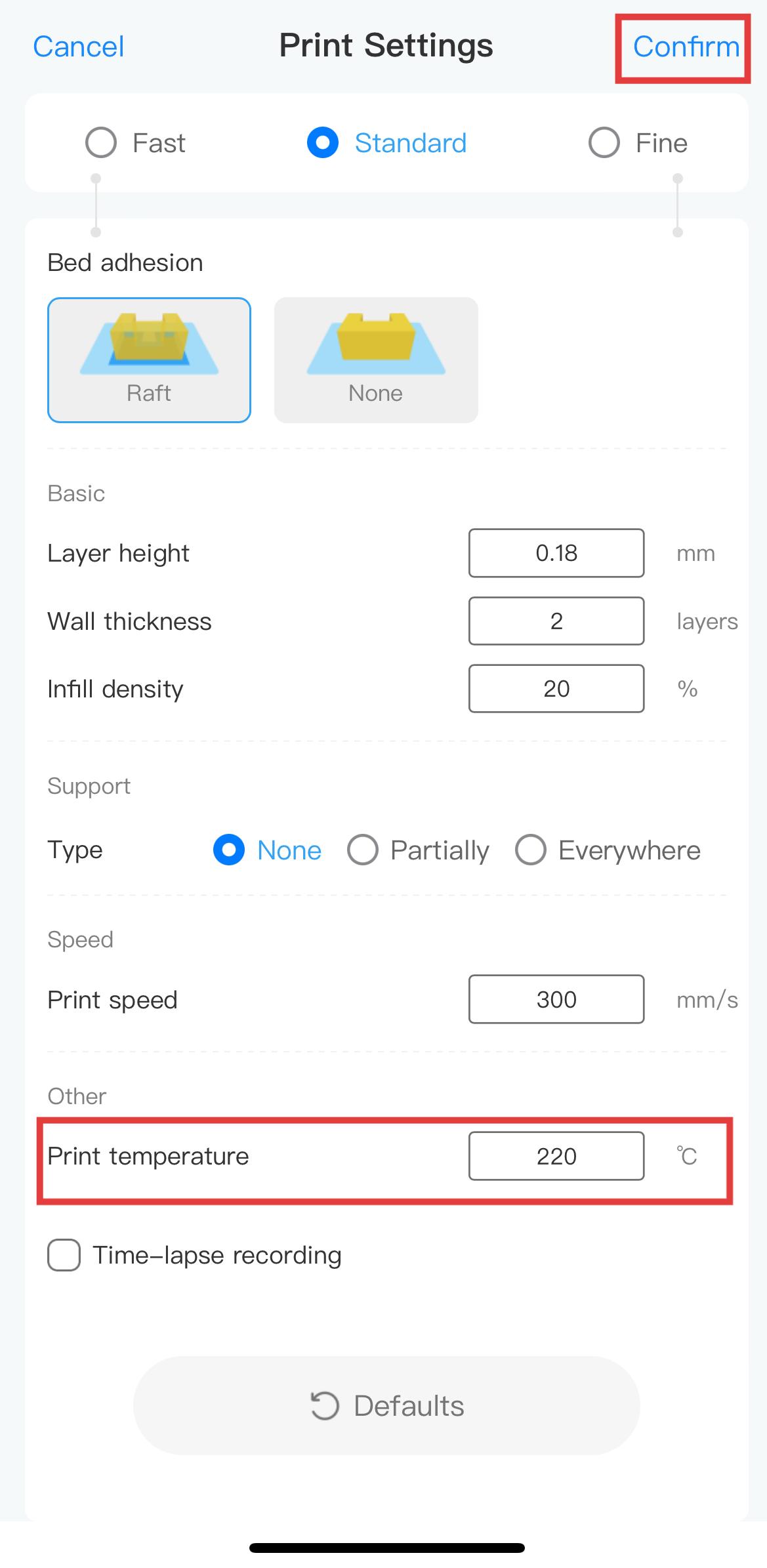 |
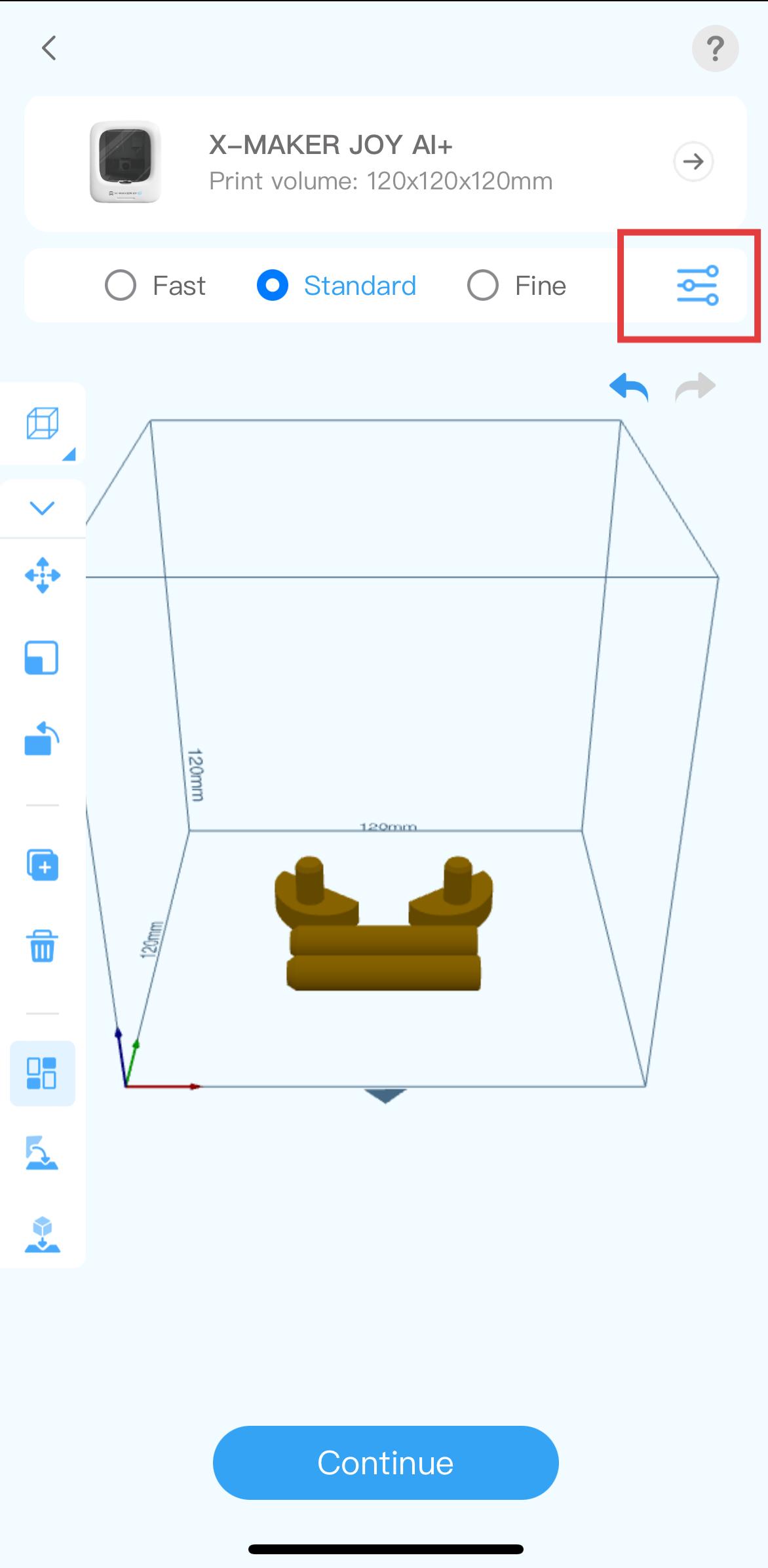
| 1. In this interface, tap the settings icon on the top right. | 2. Enter the temperature you want in Print temperature, then tap Confirm to continue printing. |
Still Need Help? Contact AOSEED customer support via service@aoseed.com.